I love this technique. I think I understand how its accomplished but would love to see a tutorial by you. has such a painterly quality.
Eduard Gorobets
Dear Donald,
Thank you for your message. Simple two layers. To bring together two photographs. Slightly editor processing. That's the whole tutorial. If you have any questions do not hesitate to ask.
Donald Reese
I assume you have a rain drops on glass shot and then you layer it on your image but what layer mode do you use to get the transparent effect? anything you can share is appreciated.
Eduard Gorobets
You correctly have suggested all. I use a program Aurora HDR Pro. In this program, a layer of "raindrop" in the "Soft Light" mode, opacity 60%. Smart tone +15%, Highlights –100%, Midtones +30%, Shadows 0%, Whites +15%, Black 0%, Contrast +5%, Clarity +10%, Softness +55%, Boost +18%, HDR detail 0%, Denoise 0%, Brightness +9%. Thereafter, the processing in Color Efex Pro (NIK Software). Final processing in Aperture: White balance, Color, Chromatic abberations. It's all. I hope I answered your question. :)
Donald Reese
thanks for your time on this. i have nik but assume i can try it with photoshop as well. keep up the great work.
Eduard Gorobets
You are welcome and nothing to worry about. I do not have a photoshop. But I think that everything is the same everywhere (+/-). I am glad to help. I also wish good luck to you.
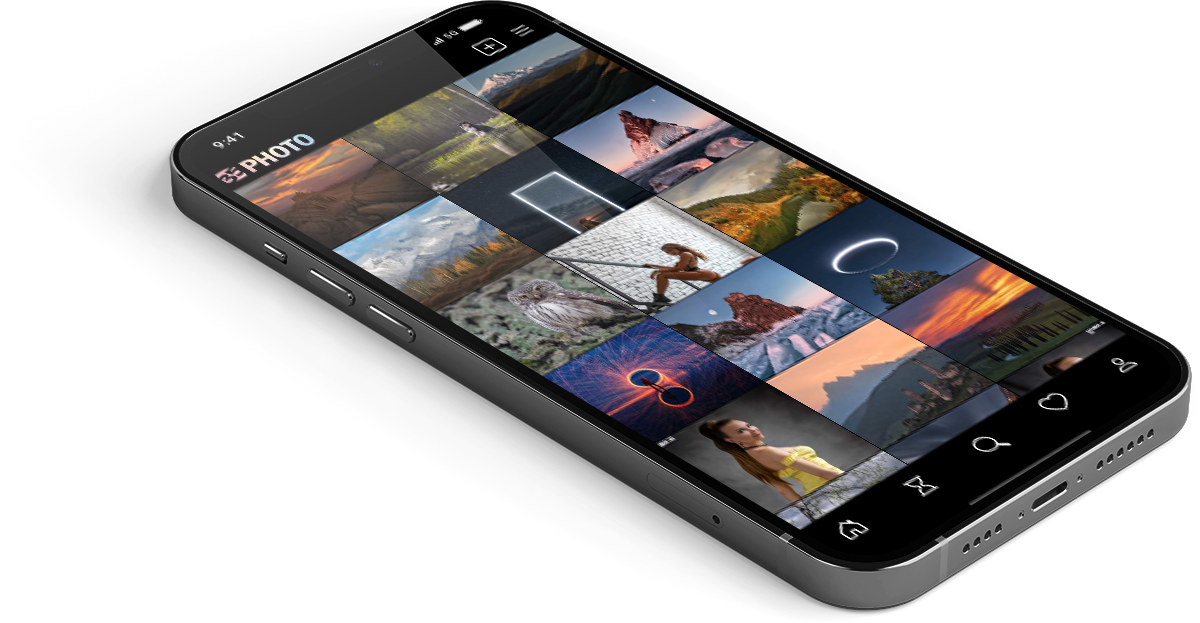
Upload photos to the site directly from the mobile application. Like, subscribe to other participants, leave comments. The ability to watch those who like you, as well as the ability to upload works to the application for participants who have not passed moderation.





Thank you for your message. Simple two layers. To bring together two photographs. Slightly editor processing. That's the whole tutorial. If you have any questions do not hesitate to ask.